
Tiny Desk AI Video Generator
Turn your photo into the lead of an Outstanding Tiny Desk video. Keep the original performance and sound, or add friends to your band.
Make your own Outstanding Tiny Desk AI video
Put yourself at the desk with a band behind you. Tiny Desk AI uses your photos to recast the prepared Outstanding performance, keeping its familiar camera cuts, gestures, and original sound. Start with one clear lead photo, or add up to four separate portraits for the other musicians.
Create a Tiny Desk video in three steps
- 01
Add the lead photo
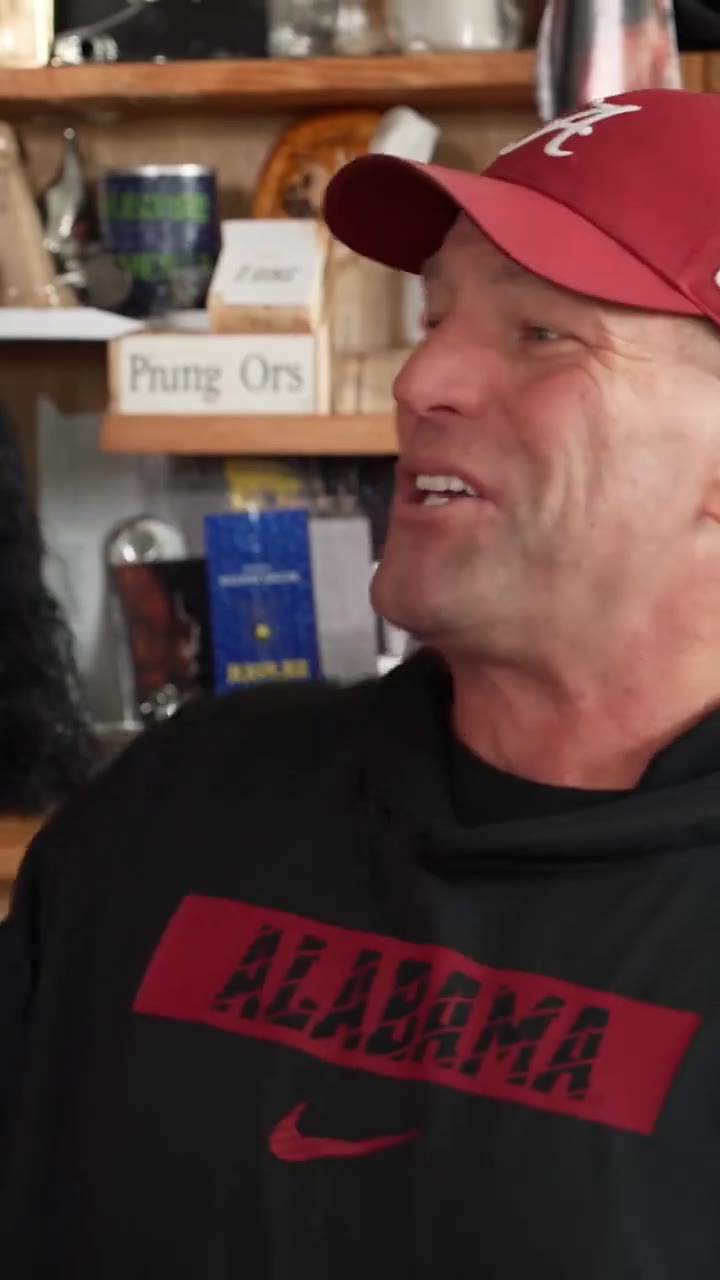
The red-cap singer is required. That person appears in the side profile, the wide shots, and the laughing or singing close-up.
- 02
Choose optional people
Keyboard, backup left, backup right, and saxophone can each be added alone. A saxophone photo stays the saxophonist. Omitted people stay the original performers.
- 03
Generate with a video pass
480p uses 1 pass. 720p uses 2. The original soundtrack is restored after generation. A confirmed failure returns the passes that task used.
0s
Step into the lead performance
The fixed film opens on the red-cap singer in side profile. A lead photo replaces that person’s complete appearance and keeps the original action.
Wide
Bring your friends into the band
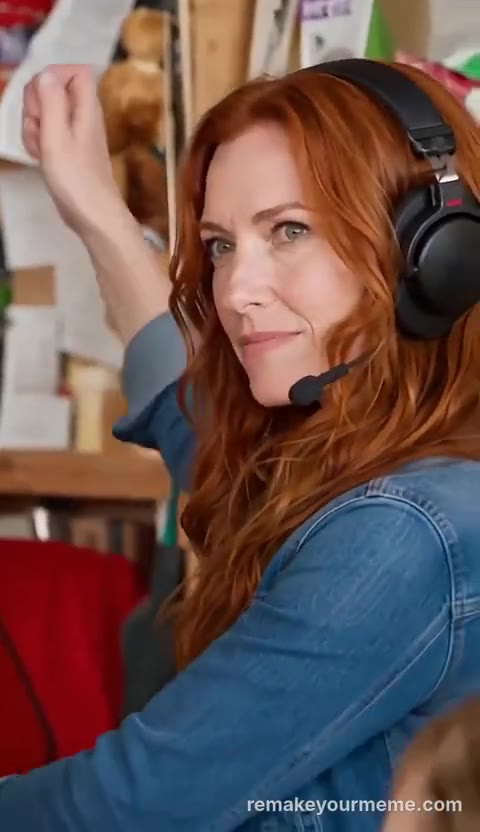
In the wide shots the keyboard player is front and center, with one backup on each side. Upload those photos only when you want those people replaced.
Close-up
Keep the performance and original sound
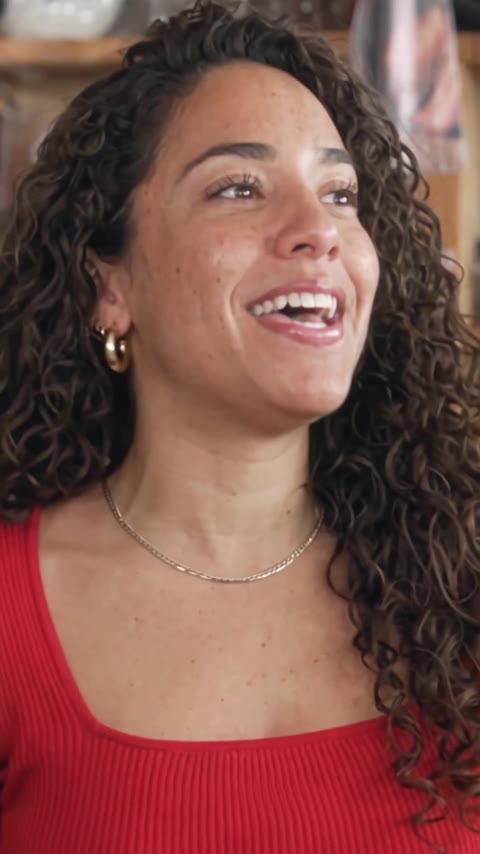
The red-cap lead returns in a laughing or singing close-up. Later the saxophonist plays while the keyboard player’s hat stays in the foreground. The film then returns to the wide shot.
Public remixes
Tiny Desk AI community videos
Different faces, one familiar desk concert. Explore community-made Tiny Desk videos and find an idea for your own cast.
Community examples for inspiration; these clips were created outside this site.
Questions
Is this an NPR Tiny Desk Concert?
No. Tiny Desk AI is an independent product. It uses one fixed desk-concert performance and is not NPR-branded.
Which photo is required?
The red-cap lead singer is required. Keyboard, backup left, backup right, and saxophone are optional. You can upload at most five photos.
What happens if I skip a person?
That person stays the original performer from the source film. Tiny Desk AI does not invent a new musician for an empty role.
Can I upload my own video or edit the prompt?
No. The source film, shots, actions, and prompt stay fixed. You upload photos only.
How do video passes work?
Pay once for a pack of 1, 3, or 5 passes. There is no subscription. 480p uses 1 pass and 720p uses 2. Purchased passes do not expire. A confirmed failure returns the passes that task used.
One-time video passes
Pay once for 1, 3, or 5 passes. No subscription and no expiry. 480p uses 1 pass per video. 720p uses 2.
View video passes